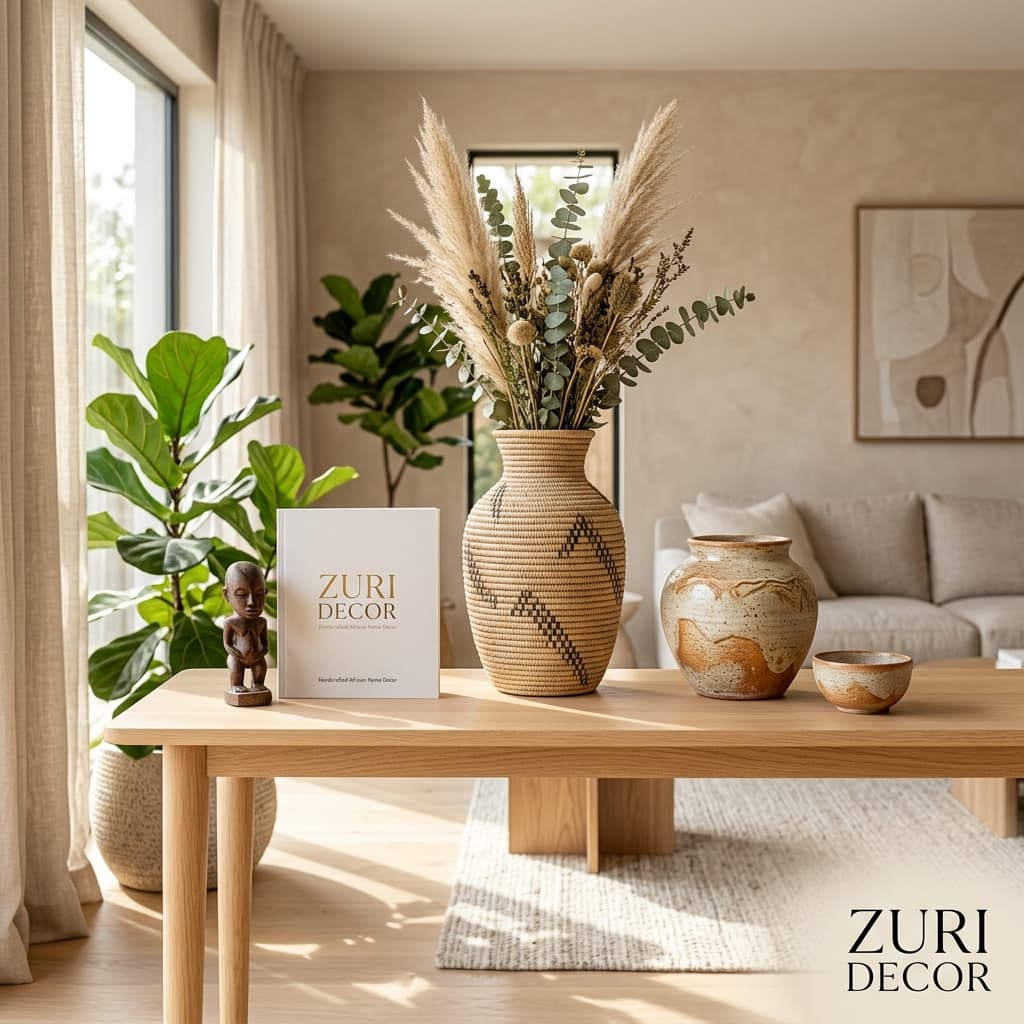
Turn one phone photo into five ad variations
Shoot on your phone, pick a style, and let AI Studio handle backgrounds, lighting and layout. What to shoot so the results look real.
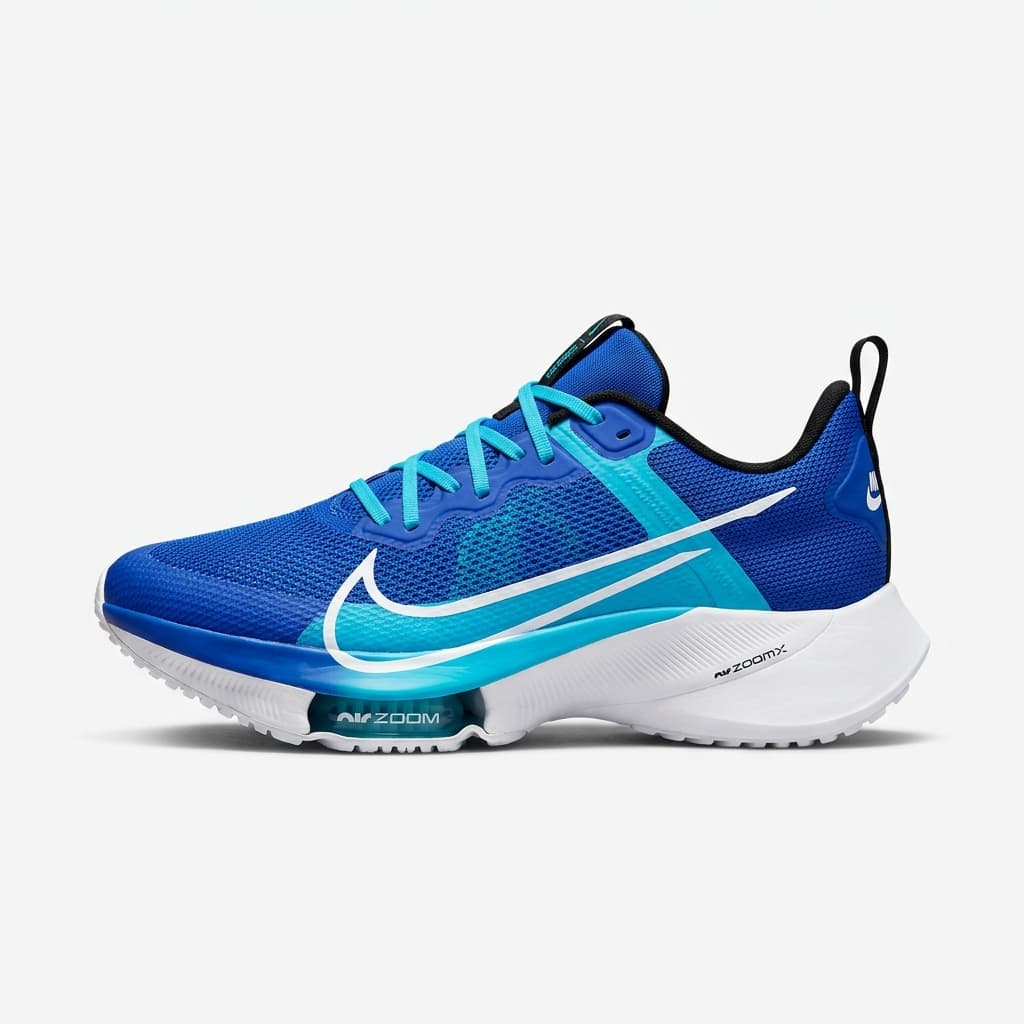
You don’t need a studio to get studio-looking ads. You need one clean photo of the product and a few minutes. AI Studio takes that photo and builds ad-ready designs around it — new backgrounds, lighting and layouts — so you can test more than one look without paying a designer for each.
Shoot the product, not the room
- Daylight — near a window beats any ring light. Avoid direct midday sun.
- Plain background — a wall or bedsheet makes the product easy to separate.
- Fill the frame — get close enough that the product takes up most of the photo.
- Keep it sharp — tap to focus and hold still. Blur can’t be fixed later.
Pick looks that are actually different
Five versions of the same idea won’t teach you much. Try one clean studio look, one lifestyle scene, one bold price-led design, and one that shows the product in use. Then let the ads run and see which one gets people talking to you.
The point of variations isn’t more ads. It’s finding out which idea your customers respond to.
Keep it honest
Your customer will hold the real product in their hands. Use AI for the setting, not to change what you’re selling — the colour, size and details should match what arrives at their door.
- AI Studio
- Product photos